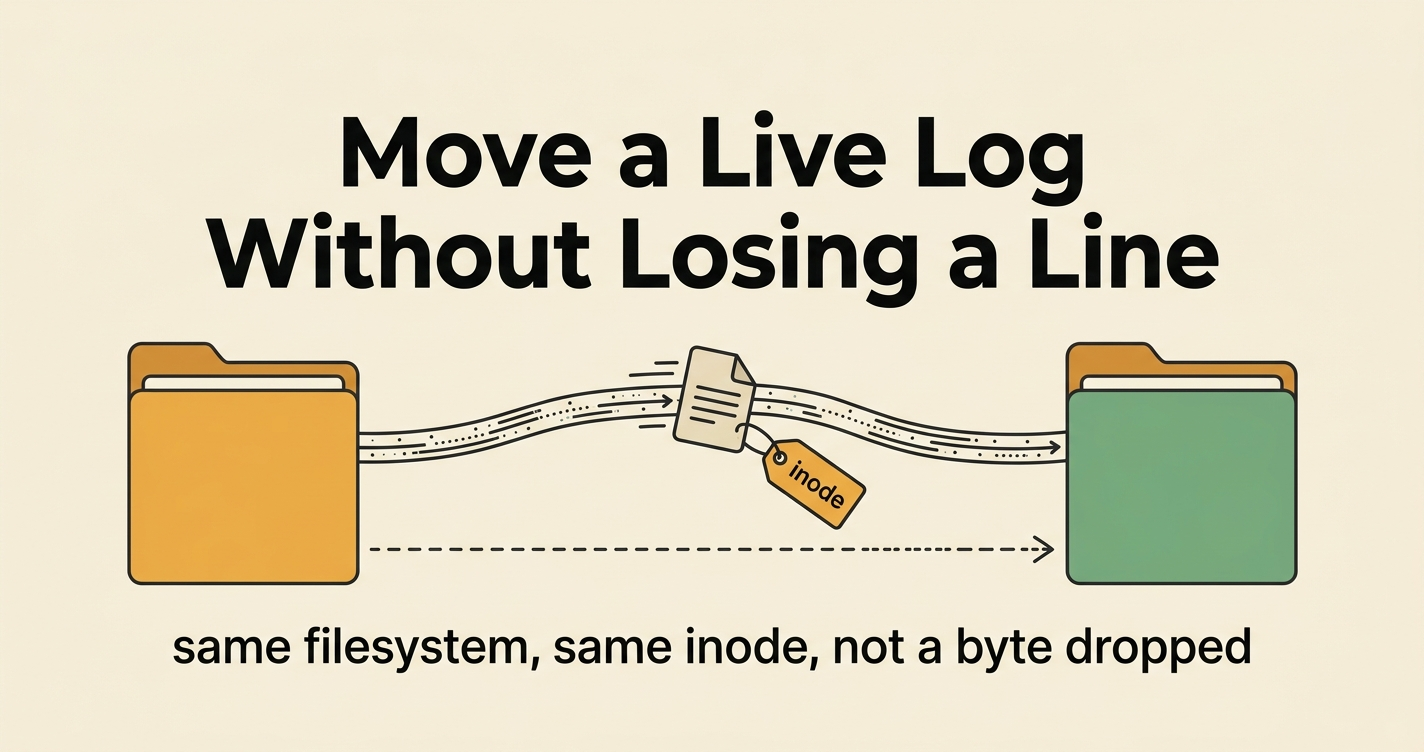
I was consolidating logs — pulling every project’s scattered log files into one directory so a single tool could sweep them all in one pass. Logs are a data treasure trove, but only if they’re somewhere you can actually mine them.

The catch: several of those files were open and being written to right then — including, in one case, the log of the very session I was working in. I had to move them, leave each running process none the wiser, and not drop a single line.
That sounds like it should require stopping the services. It doesn’t. One Unix fact makes it safe, and it’s worth knowing because it generalizes far beyond logs:
An open file descriptor is bound to the file’s inode, not its path.
What this assumes (and what I actually tested)
I did this on Ubuntu 24.04 LTS (kernel 6.8), moving files on an ext4 filesystem with the stock GNU coreutils mv, ln, and stat, from bash. On any mainstream Linux that’s the same toolset, so the commands below should run as-is.
A couple of honesty notes first. The inode-vs-path trick works on any Unix, but the stat -c '%m %d' syntax is GNU coreutils. On macOS or a BSD you’ll want their stat instead (it uses -f). And I ran the same-filesystem move here and watched it work; the cross-filesystem data loss I’m taking from the docs, not from torching live data to prove it. Either way, trust the stat check.
The fix, up front
On the same filesystem, mv is an atomic rename that preserves the inode. The process that has the file open is holding the inode, not the name — so after the rename it keeps appending into the very same bytes, now at the new location. Then you symlink the old path to the new one so anything that opens by path later still resolves.
SRC=~/app/logs
DST=/srv/shared/logs

# 1. Confirm SRC and DST are on the SAME filesystem (this is the whole safety check).
#    Both numbers — mount point and device id — must match.
stat -c '%m %d' "$SRC" "$DST"

mkdir -p "$DST"

# 2. Move each live file, then symlink the old path back to the new location.
for f in "$SRC"/*.log; do
    base=$(basename "$f")
    mv "$f" "$DST/$base"        # atomic rename; the open fd follows the inode
    ln -s "$DST/$base" "$f"     # path-based openers still resolve
done
That’s it. The writer never notices.
Why it works — and why “same filesystem” is the entire game
When you mv within one filesystem, nothing is copied. The kernel just rewrites a directory entry to point at the same inode. The bytes don’t move; only the name does. Any process with the file already open has a descriptor pointing at the inode, so its next write() lands exactly where it would have before.
Across different filesystems, mv can’t rename — there’s no shared inode space — so it silently degrades to copy-then-unlink. And that’s the trap: the moment the original is unlinked, the still-open descriptor is pointing at a now-deleted inode. The process happily keeps writing into a file that no longer has a name and will vanish when it closes. Every line written after the move is lost, with no error.
flowchart TB
    subgraph SAME [Same filesystem - rename is safe]
      direction TB
      op1["open writer (fd)"] ==> in1[("inode 6877120")]
      in1 --> by1["bytes on disk"]
      p1a["old path"] -. before .-> in1
      p1b["new path"] == after ==> in1
    end
    subgraph DIFF [Different filesystem - copy + unlink loses lines]
      direction TB
      op2["open writer (fd)"] ==> in2[("old inode unlinked")]
      in2 -. vanishes on close .-> gone(["new lines lost"])
      p2["new path"] --> in3[("new inode")]
      in3 --> by2["copied bytes frozen at copy time"]
    end
So the stat -c '%m %d' check isn’t a nicety — it’s the difference between a clean move and silent data loss. If the device ids differ, stop: you need a different approach (drain and restart, or copy-with-truncate-coordination), not a bare mv.
How to verify it actually worked
Don’t trust that it worked — watch the inode and the byte count:
# Before, during, after — the inode must stay identical while the size climbs.
stat -c 'inode=%i size=%s' "$DST/app.log"
When I did this, the inode held constant while the size ticked upward across the operation — 1,298,178 → 1,324,171 → 1,407,892 bytes, same inode the whole time. That’s the proof: the open writer is following the inode to its new home.
Why the symlink, too — and the failover underneath it
The same-filesystem mv handles the file the process has open right now: the live descriptor follows the inode. The symlink-back is the second layer, and it’s stronger than “so old links still resolve” — it’s a transparent redirect. Once the old path is a symlink to the shared file, everything the writer does to that path — reads, and crucially appends — flows through to the new location. The tool keeps writing to the only path it knows; the bytes land where you want them. It never has to learn it was moved.
That covers a writer you can resume. The other case is a tool that, on its next run, creates a brand-new file at the old path — common when the path is hardcoded and the tool has no idea your symlink convention exists. A new name has no symlink, so it lands as a real file at the old location. The failover for that is a small, idempotent catch-up sync: periodically, find any real file that reappeared at the old path, mv it into the shared dir, and replace it with a symlink. Make it safe to run forever — skip anything that’s already a symlink, and on a name clash leave the file in place and warn rather than overwrite. Then a cron can run it and never do harm.
flowchart TD
    A[File found at the old path] --> B{Is it a symlink?}
    B -- yes --> C[Skip - already migrated]
    B -- no --> D{Name already in the shared dir?}
    D -- yes --> E[Leave in place and warn, never overwrite]
    D -- no --> F[mv into the shared dir]
    F --> G[Replace old path with a symlink]
    C --> H([Safe to run again - idempotent])
    E --> H
    G --> H
Put together, the guarantee is a triad: the file always exists somewhere real (old path if brand-new, shared dir if migrated — never nowhere); migrated files redirect transparently through the symlink; and the catch-up sync is non-destructive and idempotent. It’s eventually consistent, not real-time — a missed sync just means a new file sits at the old path for a while, which is “run the sync later,” never “the data is gone.”
One caveat, stated plainly: this whole dance exists only because the write path is immovable. It’s a workaround for a tool that hardcodes where it writes and gives you no setting to change it — not an architecture to aspire to. The day that tool grows a “where to write” option, the symlinks become redundant (and harmless). Until then, this is how you relocate a writer’s output without touching the writer.
Gotchas
- Same filesystem or bust. Re-read the section above. A cross-mount
mvis a copy+unlink in disguise. This is the one that bites. - Move the files, not the surrounding state. It’s tempting to symlink the whole parent directory instead of each file. Don’t, if that directory also holds other state the program reads by path (config, sidecar data) — you’ll drag unrelated things into the shared tree. Per-file is cleaner separation.
- The program may recreate the old path. Many tools, on next launch, create a fresh file at the original location (they don’t know about your move). A tiny sync step — migrate any new files at the old path into the shared dir periodically — closes that gap.
- This trick is general. It’s not about logs. The same inode-vs-path reasoning lets you relocate an open SQLite file, a Unix socket’s backing file, or any append-only artifact a long-running process holds — as long as you stay on one filesystem.

Aside. In the worst case the file being moved was the log of the conversation doing the moving — you’re sawing the branch you’re sitting on. I won’t oversell the drama: I had backstops (imperfect ones), and the real stakes varied by which project’s logs were in play, so it wasn’t a gamble. But it’s a satisfying little operation all the same — the stat device check is the safety rope, and the inode holding steady while the byte count climbs is the quiet sound of the branch not breaking.
# comments (0)
no comments yet — be the first.